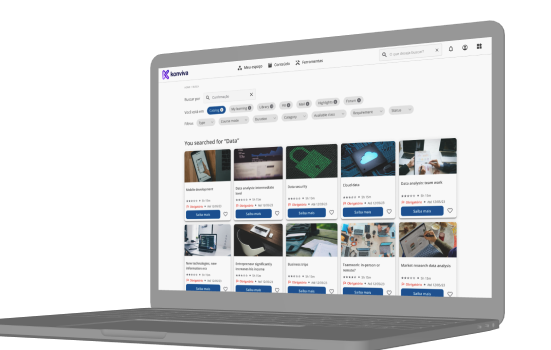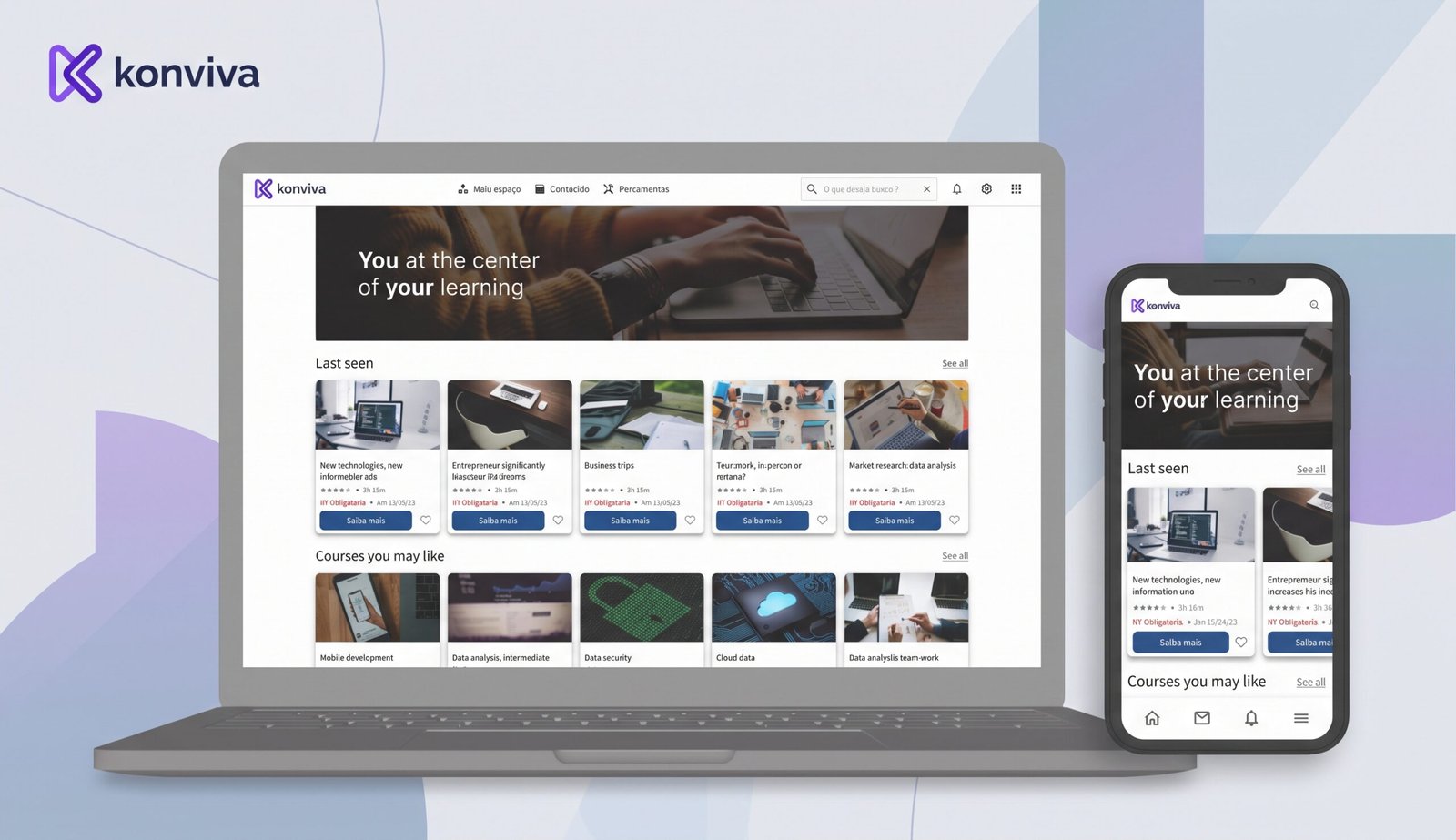
Konviva LMS
A complete and flexible LMS platform to facilitate the training and development of your team.
About the project
Many clients were already asking for customization so they could use their visual identity.
Seeing that the competitors didn’t have anything like that, we had a great opportunity to rethink our old interface and meet some market demands.
Objective
Addressing a market demand that most competitors overlooked and capturing an underserved market segment, our solution offers more options than even the biggest competitors. This customization feature is highly desired by HR and corporate training users, enabling them to apply their visual identity and learning strategies effectively.
The process
We started with meetings with the product team, the CEO and the commercial team director to align the objective.
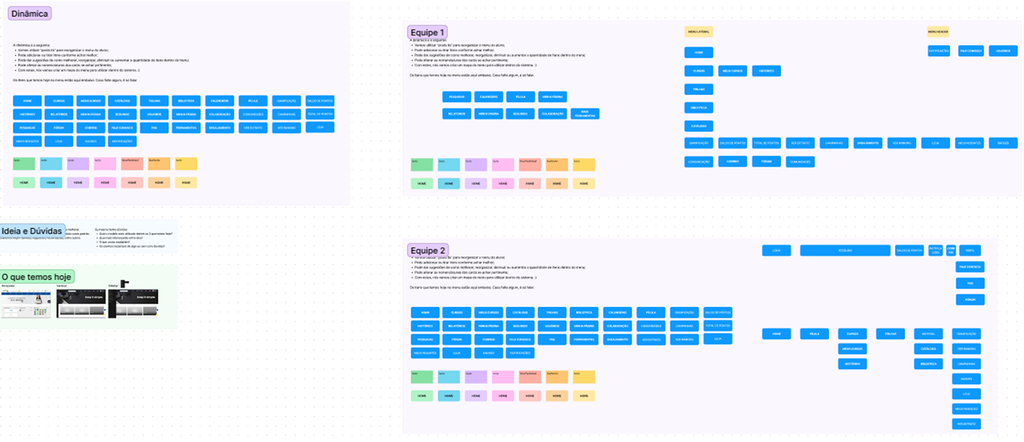
With other teams (Commercial, Customer Success, Training department and Customer Support) we did a card sorting with the items we already had and needed to reorganize for the new version.
This helped me understand how we could improve the information architecture of the user interface.
Our users
We have a few different users, but on this project we focused on two of them:
HR
Who they are
- Proficient in HR software, compliance regulations, and adept at communication and problem-solving.
- Expertise in talent acquisition, employee relations, and performance management
- Focused on supporting organizational growth and fostering employee development.
What they do
- Take care of the educational and training for all the departments
- Manage the compliance trainings
- People who manage the training systems
Other employees
Who they are
- Many profiles (managers, analysts, assistants, labor workers, etc)
- Their system profile is “Student”
- Not everyone is used to use technology
- Sometimes they need to share the same device
- Some of them use their phone to access the platform
What they do
- Use the training system to enhance their skills and knowledge, ensuring they stay updated with the latest industry standards and best practice
- Do the compliance training courses
Design
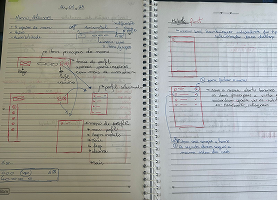
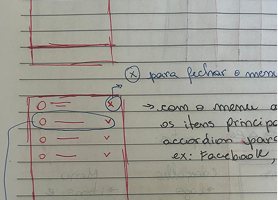
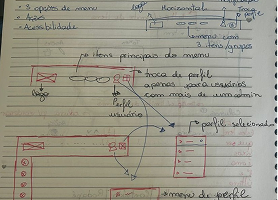
With all the information gathered, I started to sketch some ideas and did the wireframe on Figma to validate with the stakeholders.
With that, we made the adjustments and built the prototype.
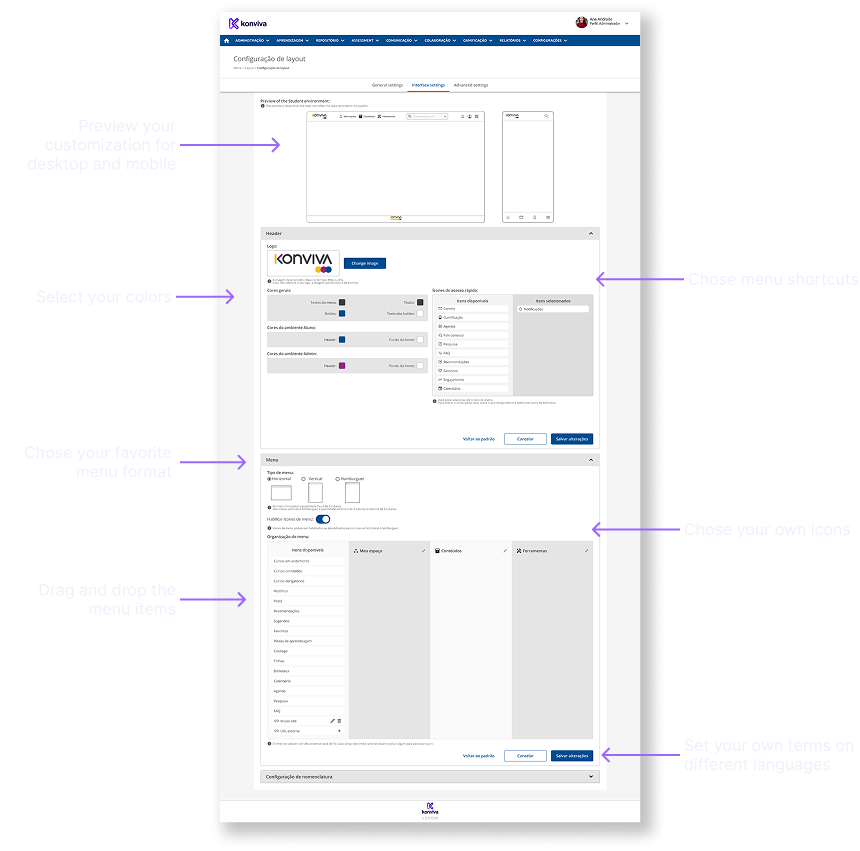
New way to customize the interface
Documentation
We started with meetings with the product team, the CEO and the commercial team director to align the objective.
Results and Feedback
- The first 6 clients were with us for a few years and were really excited, since they were expecting to all those customization
- They tried to use this version for a few months, but they felt missed some features that we couldn’t put there at first
- The oldest client decided to go back to the older version until all the features were covered
- On the other hand, the most recent clients really enjoyed this interface
- They didn’t need to pay for customization, they could do it by themselves
- They could put their own visual identity on their ambient